
Hybrid cell editors, real-time SSO state, and a cleaner first launch
This release brings inline hybrid cell editors to the data table, replaces the 60-second SSO/MFA poll with real-time state updates, and tightens up the first-launch and tab-bar experience.
Hybrid cell editors, real-time SSO state, and a cleaner first launch
A focused release. Two headline features — inline cell editing in the data table and instant SSO/MFA state — plus a batch of polish touches you’ll notice the next time you launch the app.
Hybrid cell editors in the data table
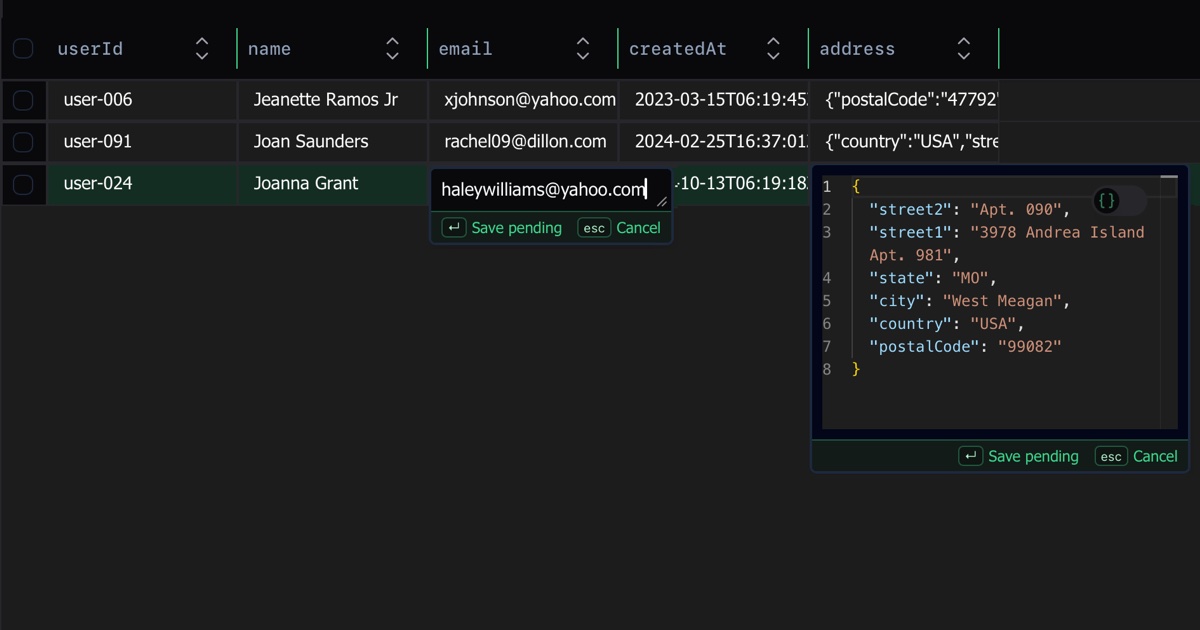
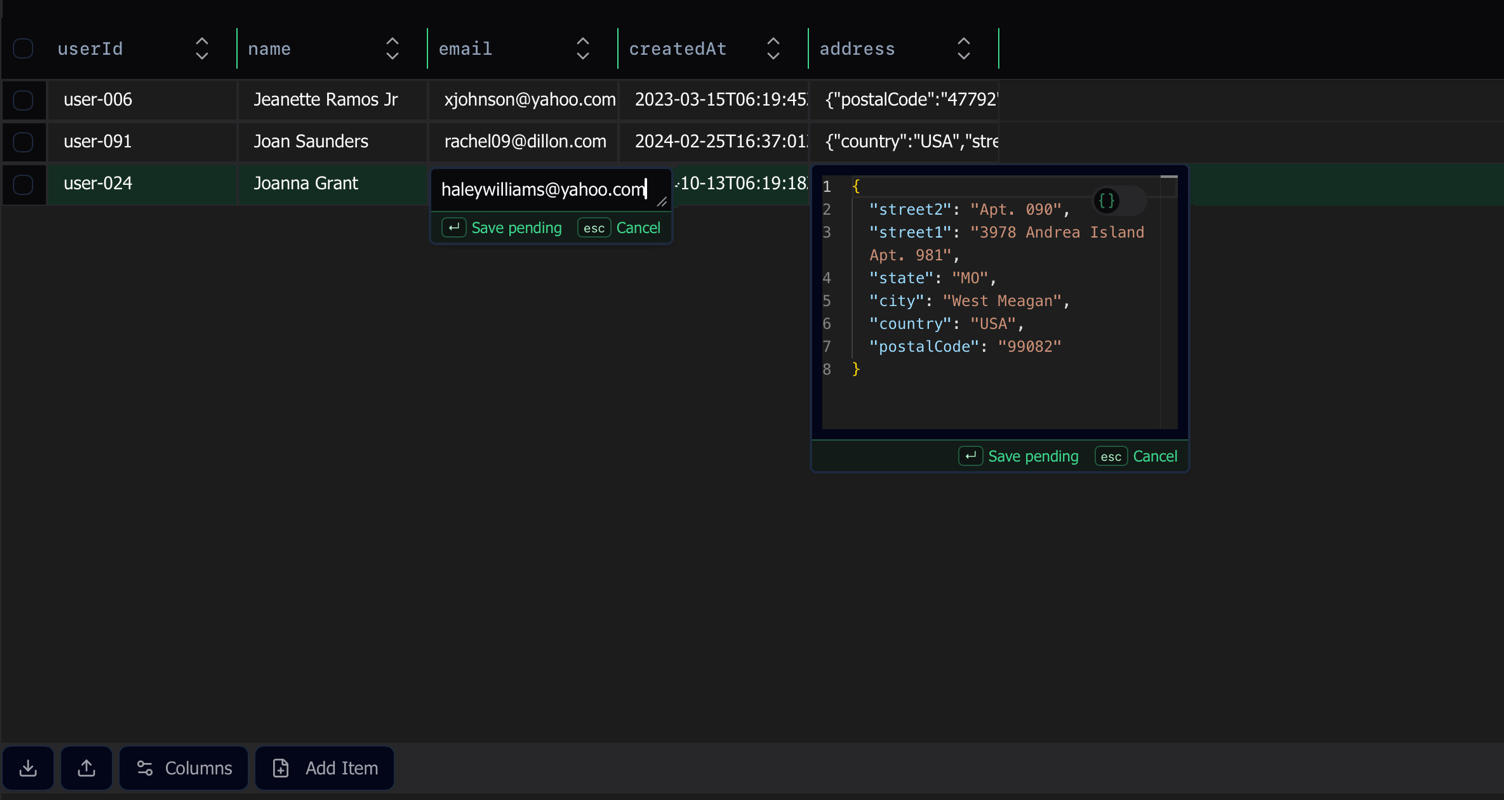
You can now edit table cells inline, with the editor adapting to the cell’s type. Short strings, numbers, and booleans get compact inline editors; long strings, JSON, and binary data open the right richer editor without leaving the row. The previous “open a dialog to edit anything” flow is gone.
Real-time SSO and MFA state
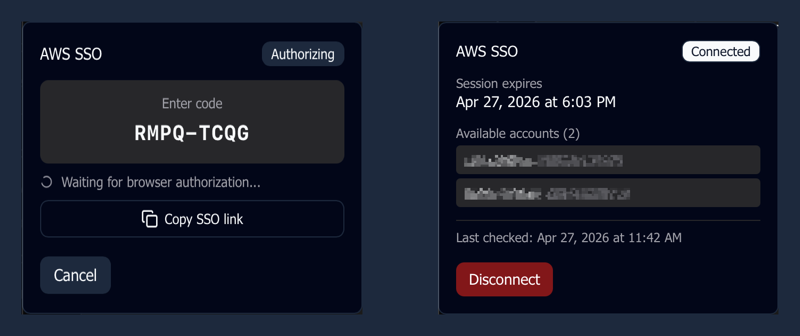
SSO and MFA state changes now arrive in real time. Previously, the app polled every 60 seconds to detect when you completed an SSO login or MFA challenge in the browser, so you could be staring at a stale “waiting” state for up to a minute. The poll is gone — Dynomatic now reacts instantly when authentication finishes.
Other improvements
- App version is now visible in the settings nav, so you can spot which build you’re on without leaving the app.
- First launch opens maximized; tab bar polish; updated DMG installer layout.
- Profiles: the Edit button now actually opens the edit view (it had stopped working in a previous release).
- Data table: the Select All checkbox and column sorting work again after a regression in the prior release.
- SSO: when a token refresh fails, the panel surfaces the actual error from AWS instead of a generic “refresh failed”.