
Try Dynomatic without signing in, reliable managed SSO, and an MFA fix
Start a 14-day free trial without creating an account, connect managed SSO profiles that reference AWS-config sessions, and create MFA profiles without a false validation error.
Try Dynomatic without signing in, reliable managed SSO, and an MFA fix
0.9.0 lowers the bar to trying Dynomatic — you can now run a full 14-day trial without ever creating an account — and clears a cluster of bugs around managed SSO profiles and MFA setup.
Start a 14-day trial without signing in
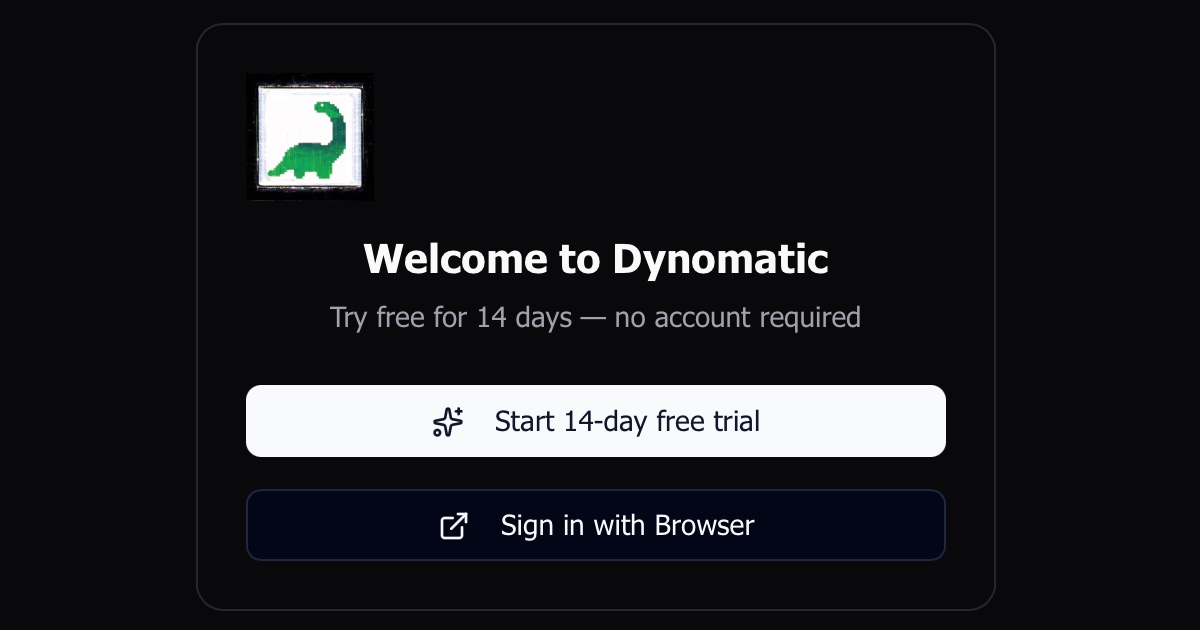
You no longer need an account to try Dynomatic. The login screen now offers Start 14-day free trial alongside the usual browser sign-in — pick it and the app unlocks immediately, with every feature available for the full two weeks. A countdown pill in the status-bar footer shows how many days are left and shifts to a solid amber fill once you’re inside the final three days. When the trial ends, Dynomatic walks you through creating an account so your work carries over.
Reliable managed SSO connections
A Dynomatic-managed SSO profile can reference a session that’s defined only in your ~/.aws/config — an [sso-session] block that isn’t stored in Dynomatic’s own session list. Those profiles used to fail outright with “No SSO session configuration found for profile.” Dynomatic now resolves the session straight from your AWS config, the same way it resolves its own.
Separately, role credentials are now requested against the SSO session’s own region rather than the workspace’s data region. The previous mismatch surfaced as a generic “service error” and left tables unable to load — connecting to a region other than your Identity Center’s now works as expected.
Delete managed SSO sessions
The add/edit-profile dialog could create Dynomatic-managed SSO sessions but never remove them. The SSO-session picker is now a list: managed sessions get a delete button, while sessions defined in ~/.aws/config are tagged “aws config” and left read-only. A managed session that’s still referenced by one or more profiles won’t delete until you point those profiles elsewhere — the error names the profiles still holding it.
Other improvements
- MFA profile creation fixed: creating an MFA profile no longer fails with “MFA source type must be selected” when the Source Type dropdown already showed a valid choice — the default selection now reaches form state.
- Case-safe text inputs: DynamoDB names and values are case-sensitive, but inputs were inheriting the platform’s auto-capitalize behavior and quietly changing the first letter you typed. Auto-capitalize is now off by default across the app’s inputs.
- Creating an SSO session now requires a region: the new-session form no longer lets you save an SSO session with an empty region, which would later break credential fetches.